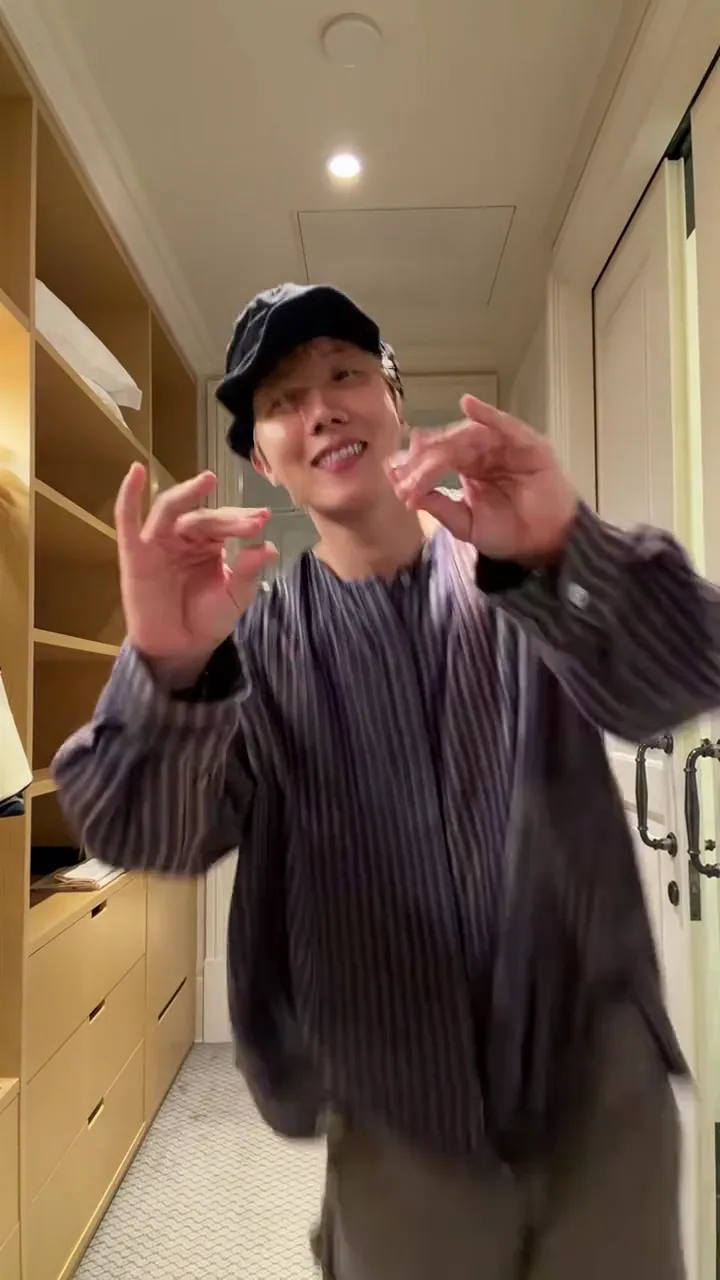
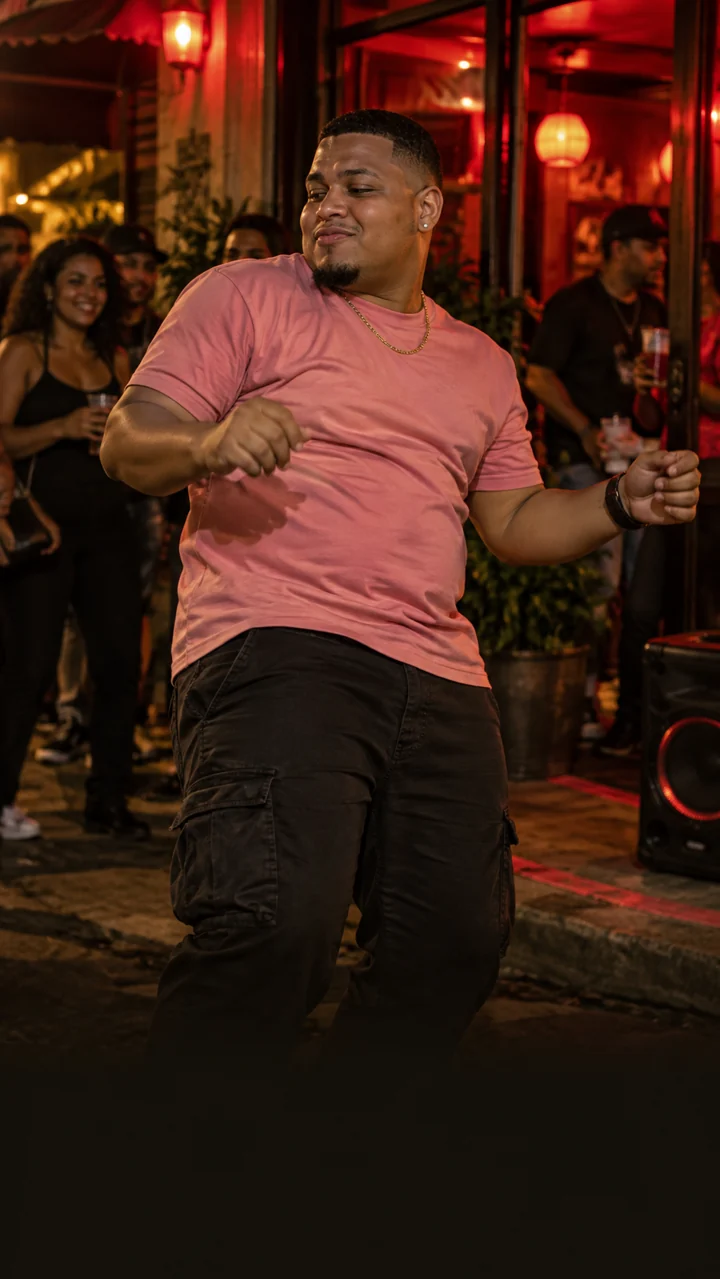
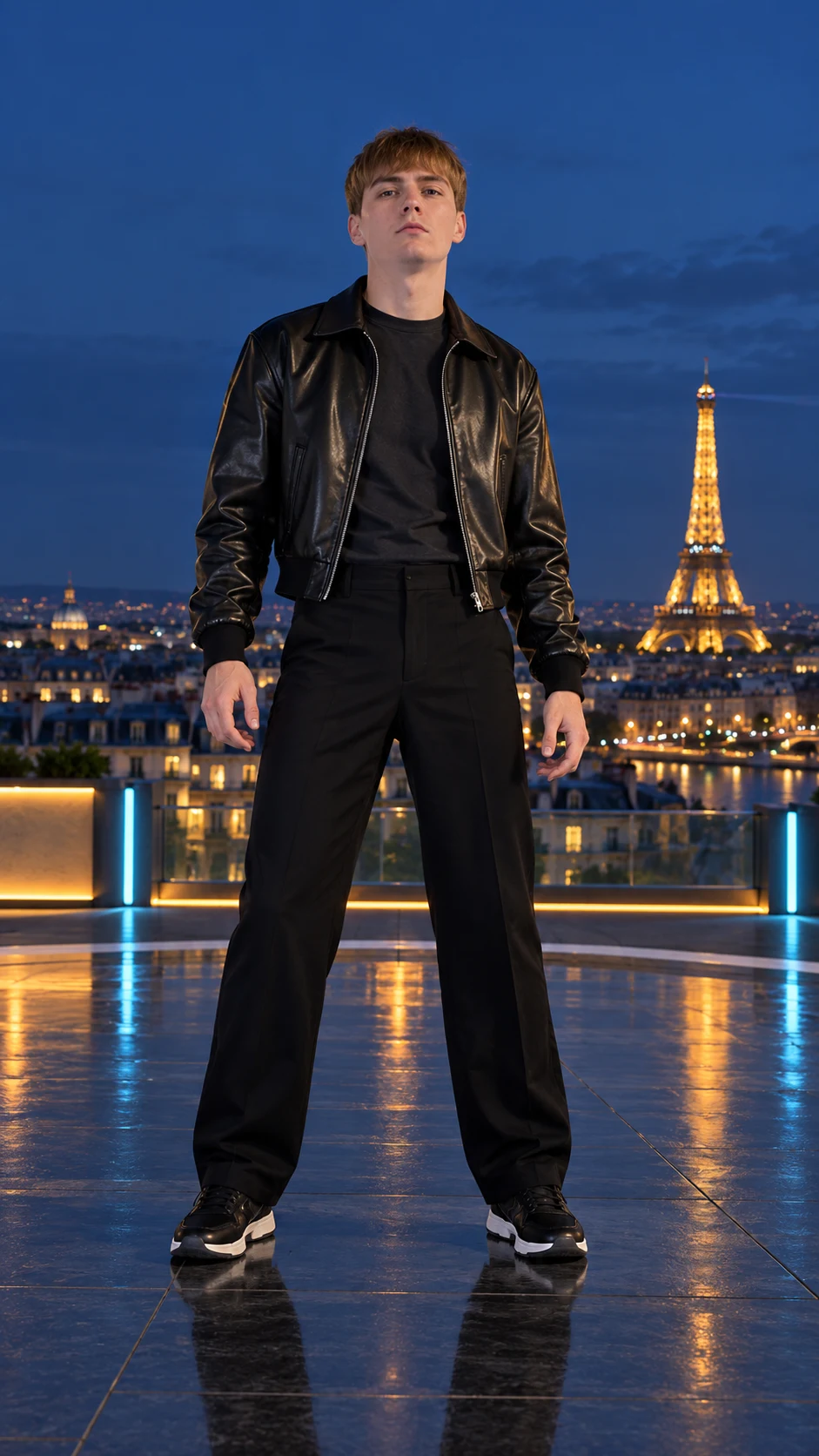
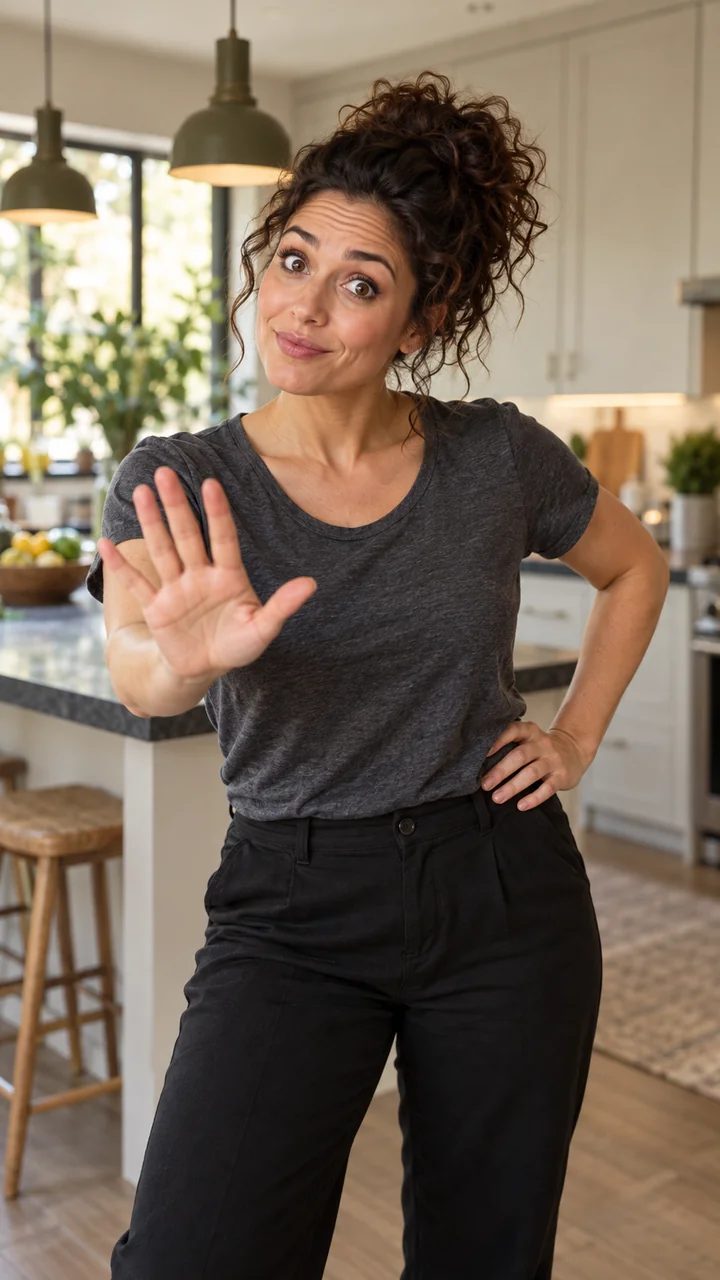
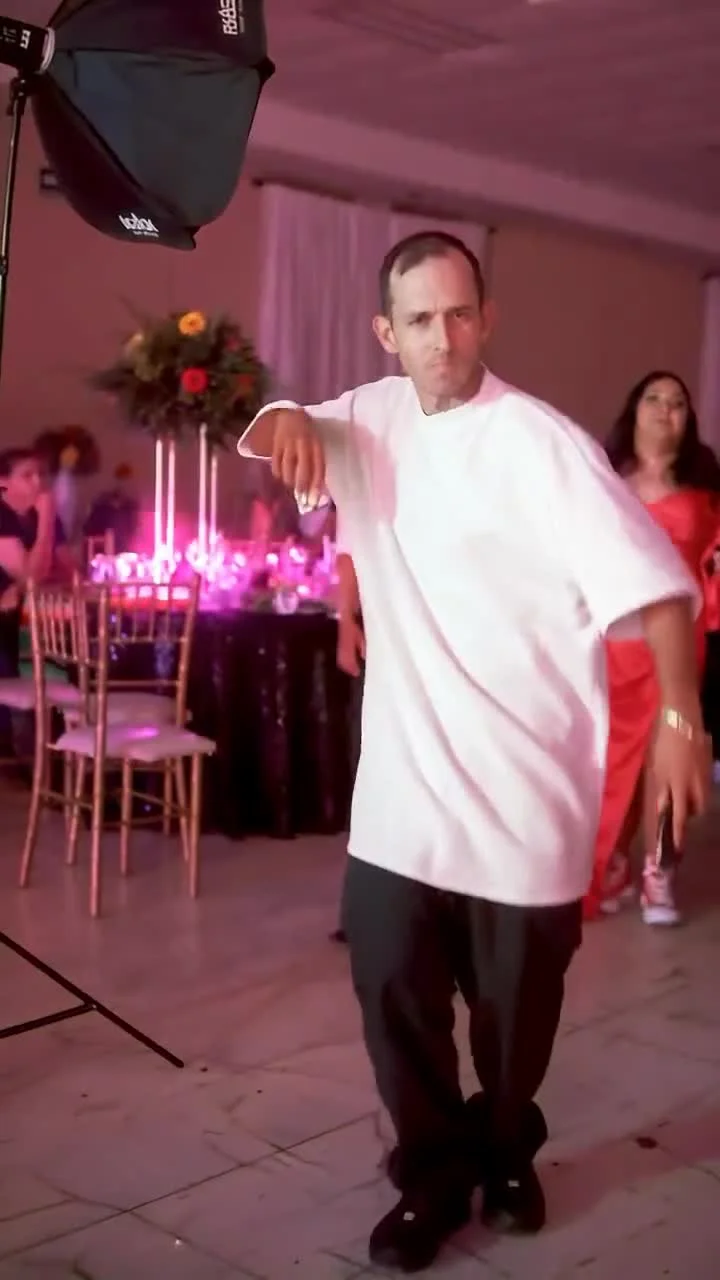
How do I make an Oh Please Brazil AI video?
Preview the selected corridor dance, upload one clear adult portrait, confirm permission and complete checkout. Generation starts after payment is verified. Keep your private lookup code to check progress and download your result.
Do I need to film the Oh Please Brazil dance?
No. The built-in reference guides the movement and corridor setting. Your photo supplies the character reference, so you do not need a dance recording or a written prompt.
How long is the dance video?
This template uses a roughly 15-second vertical reference. Output is capped at 720p. The preview lets you review the framing and movement before creating a clip.
What photo works best for the corridor dance?
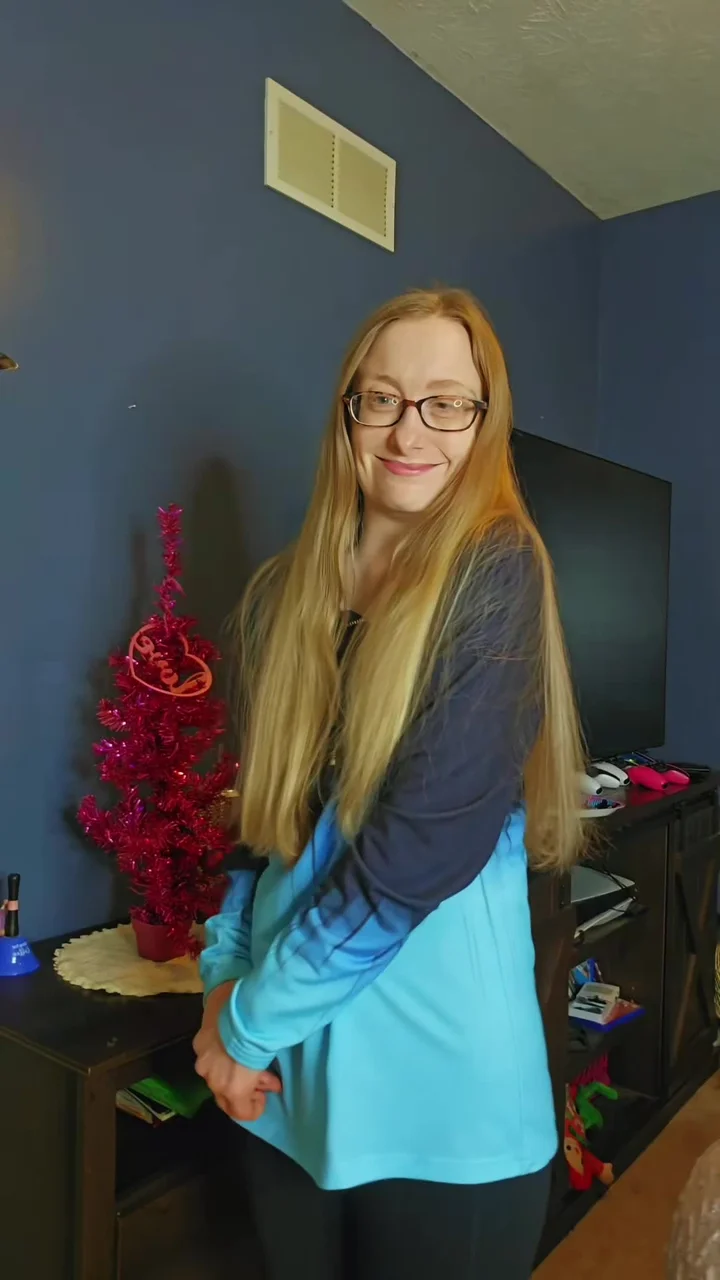
Use a well-lit, front-facing portrait of one consenting adult. Keep the face unobstructed and shoulders visible. Avoid hats, sunglasses and heavy filters. Fast movement can still cause blur or changes in identity.
Will the video include the same Brazilian funk music?
Turn on Sound to hear the reference track before creating. Generated audio may differ from the preview; identical music and beat timing are not guaranteed. Listen to the finished result before sharing.
Is this the official Oh Please Brazil video?
No. MakeViralClip is an independent AI adaptation tool, not affiliated with or endorsed by the original creator, performers or music rights holders. Your result is an AI-generated adaptation made from your photo.
What happens if generation fails?
A confirmed generation failure automatically triggers a full refund request. If the task status is unclear, keep your lookup code and contact support before paying again.