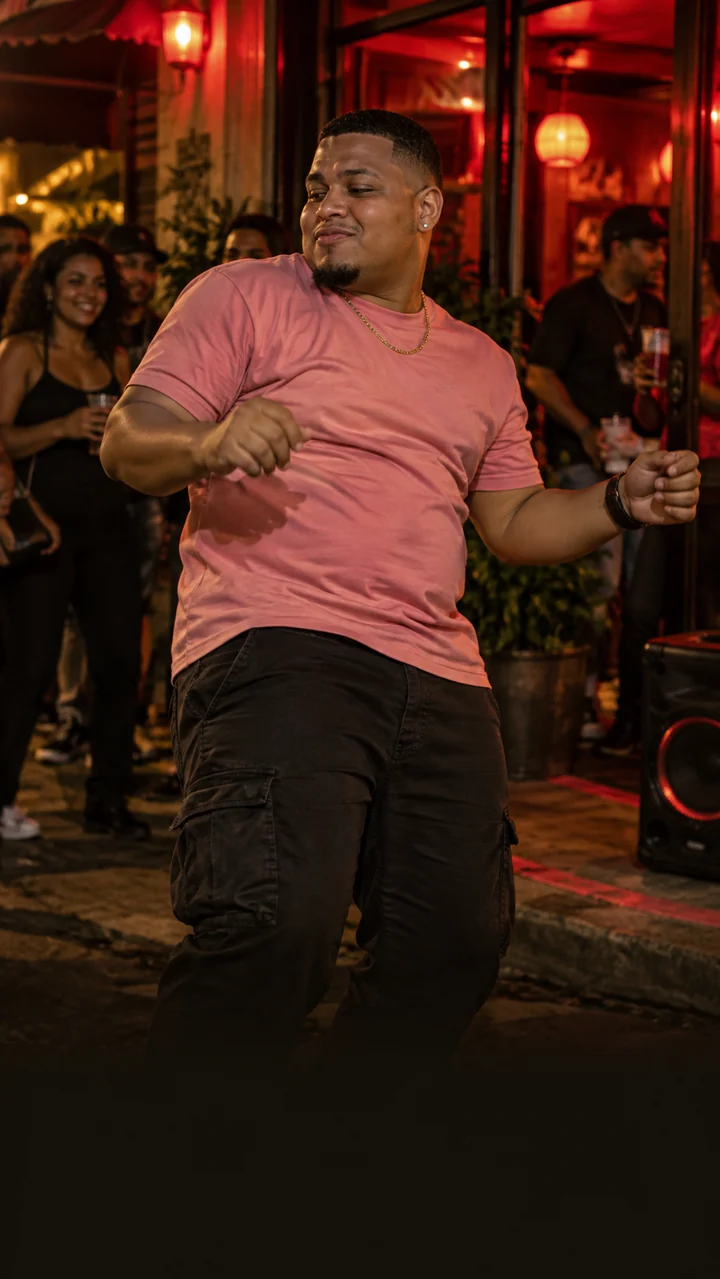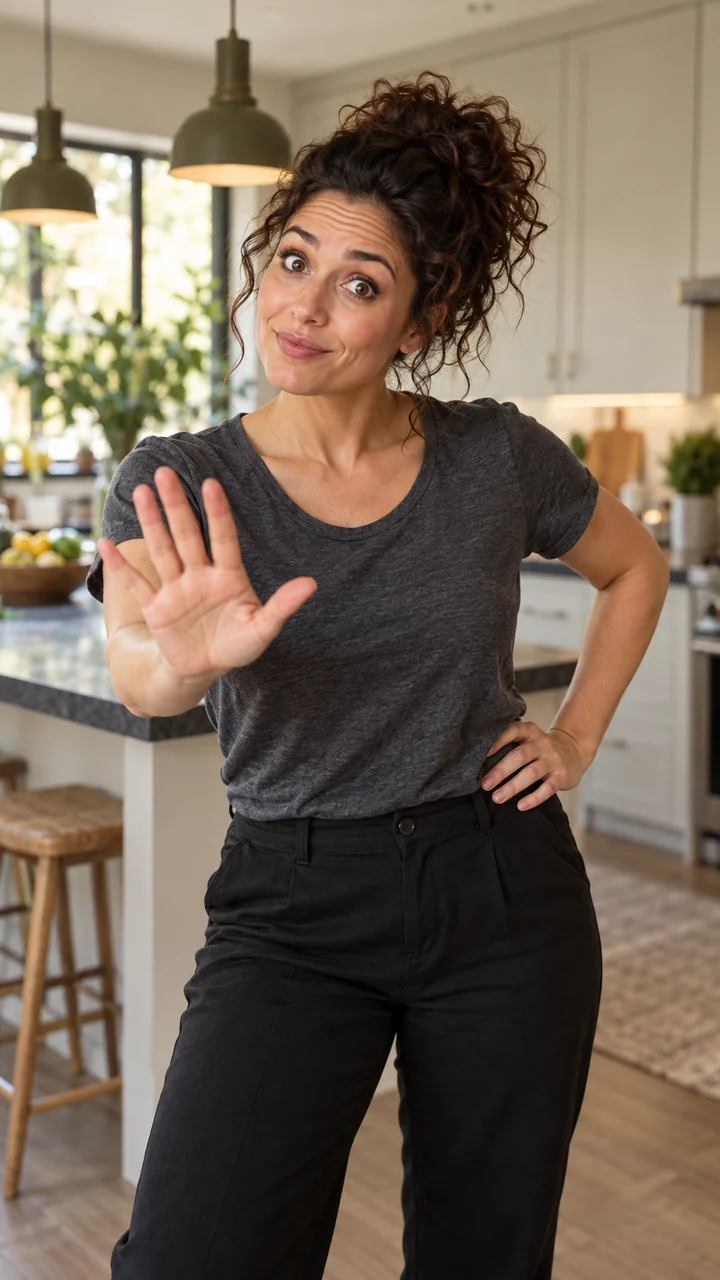
Choose your photo.
Choose a sharp photo with a clearly visible face and an unobstructed upper body. A clean background helps separate the person from the image. Do not use a group shot or crop through the face; avoid motion blur in the source.
YOUR PHOTO. A NEW SCENE.
Your character. Paris after dark.
Create a Tecktonik AI dance video from your photo. Preview the Paris rooftop scene and turn one portrait into a 12-second vertical dance clip.
Tecktonik Dance · 12 sec
Template preview · Your generated result will vary.
THE SCENE
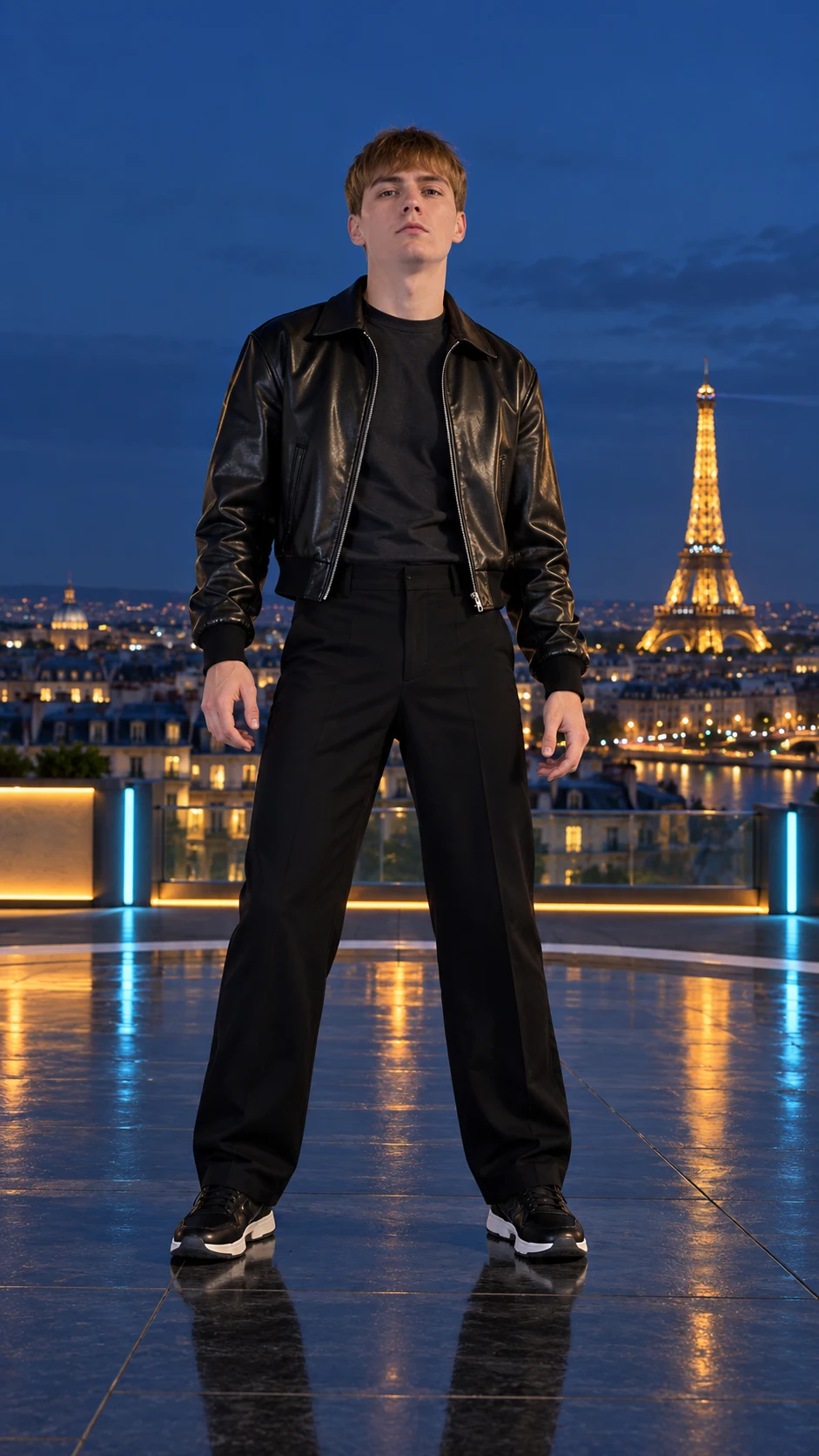
Turn one photo into a Tecktonik-style dance clip, with fast arm movements and a Paris rooftop backdrop. The Eiffel Tower setting gives this version a different look from indoor or stage-based dance edits.
Tecktonik-style edits center on expressive arm patterns and a distinctive silhouette. This version pairs that movement with a nighttime rooftop setting and the Eiffel Tower in the background. The preview shows the reference scene used for your clip.
BEHIND THE TREND
Tecktonik is associated with Paris club culture and an energetic electro-dance style. Sweeping arms, quick changes of direction and a focused expression give the movement a distinctive silhouette. In short dance videos, those patterns make the performance easy to recognize and invite others to try their own version.
Our template places that dance vocabulary on a nighttime Paris rooftop, with the Eiffel Tower behind the performer. It is a separate interpretation of the style, rather than a recreation of a particular dancer’s stage video. The reference supplies the scene and timing while your photo guides the character.
BEFORE YOU CREATE
The reference guides the rooftop setting and dance sequence. Fast hand and arm movements can produce local blur or AI artifacts; a sharp photo does not guarantee perfectly sharp movement.
The preview shows the reference scene. Use it to choose your template, then review your generated clip before sharing.
12 seconds · 720p · One photo
FROM PHOTO TO CLIP
Choose a sharp photo with a clearly visible face and an unobstructed upper body. A clean background helps separate the person from the image. Do not use a group shot or crop through the face; avoid motion blur in the source.
Tecktonik Dance is already selected. Confirm you have permission to use the photo, then follow the checkout steps. Generation begins after payment is verified and can take several minutes.
Copy your private lookup code to return later. Download the completed clip promptly: the provider’s result link lasts only 24 hours. Lookup codes themselves have no time limit.
GOOD TO KNOW
Add one clear photo to the selected Paris rooftop template and follow the checkout steps. The reference guides the dance sequence, so you do not need to film yourself dancing.
No. The arm movements, scene and timing come from the built-in Tecktonik-style reference. You only supply your photo and review the result before downloading.
Start with a sharp, well-lit photo showing your face and upper body. Avoid group shots, sunglasses and motion blur. Fast arm movements can still produce local blur or AI artifacts in the finished clip.
Use the Sound switch above the reference preview and play the dance. You can listen before choosing your photo. Check the completed video’s audio before posting; it may differ from the reference.
No. MakeViralClip is an independent generator inspired by the dance style. Your clip is a new AI rendition made from your photo. We are not affiliated with or endorsed by the Tecktonik brand or individual dancers.
KEEP EXPLORING