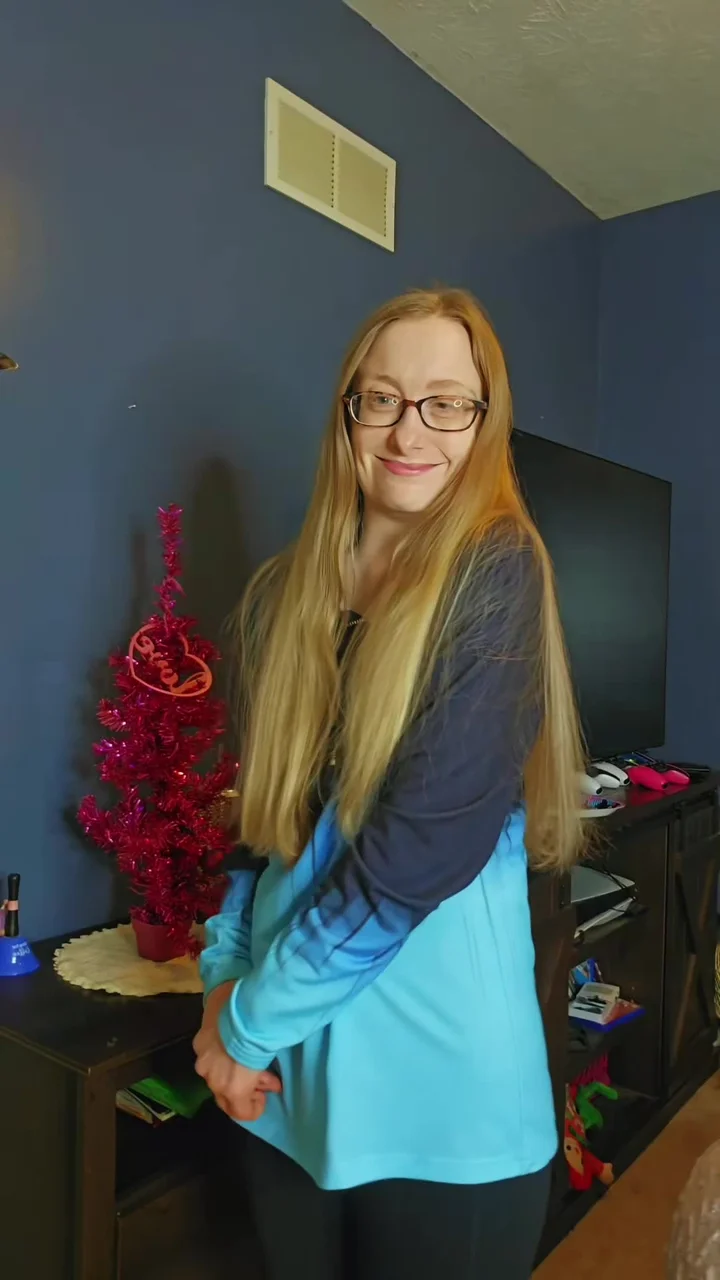
Choose your photo.
Use a clear, front-facing adult portrait with the entire face visible. Avoid glasses, hair across the face and heavy filters. Close-up expressions and the hand-near-mouth reaction make facial detail especially important.
YOUR PHOTO. A NEW SCENE.
The award moment. Starring you.
One photo. Two sides of the joke. Create a Prettiest Girl Award-inspired reaction clip using a 15-second reference with character cuts and expressive close-ups.
Prettiest Girl Award · 15 sec
Template preview · Your generated result will vary.
THE SCENE
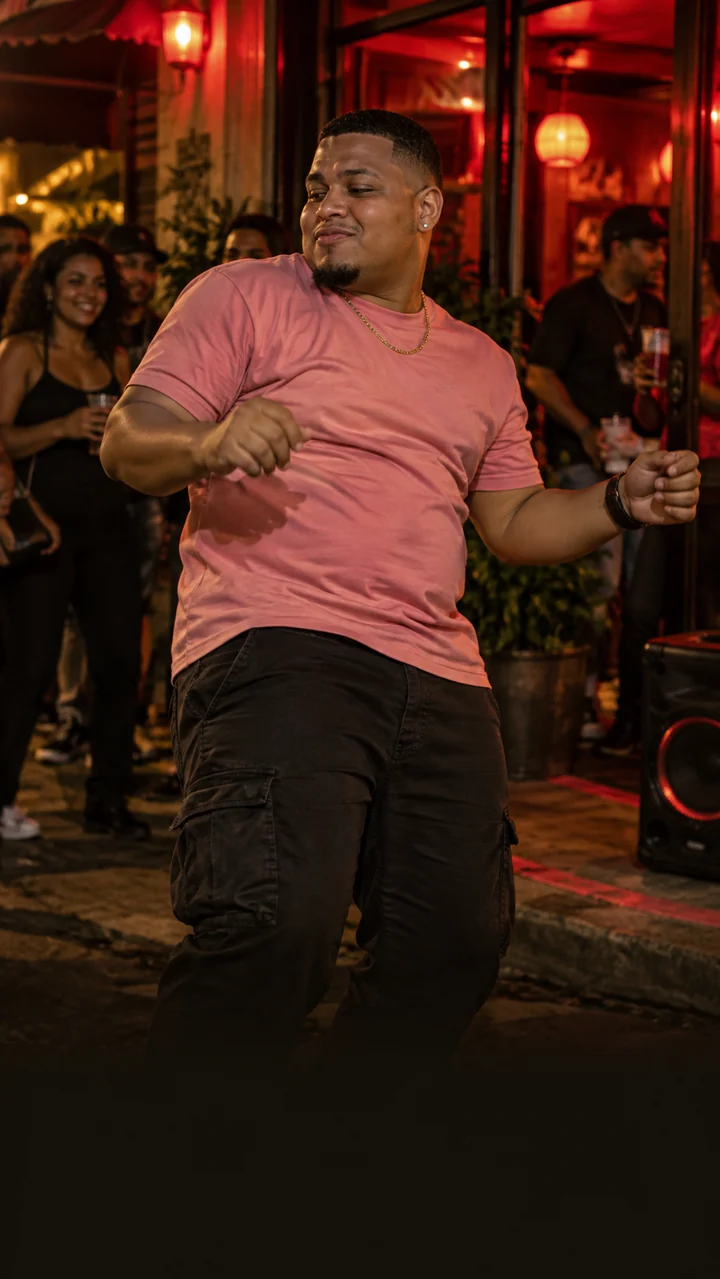
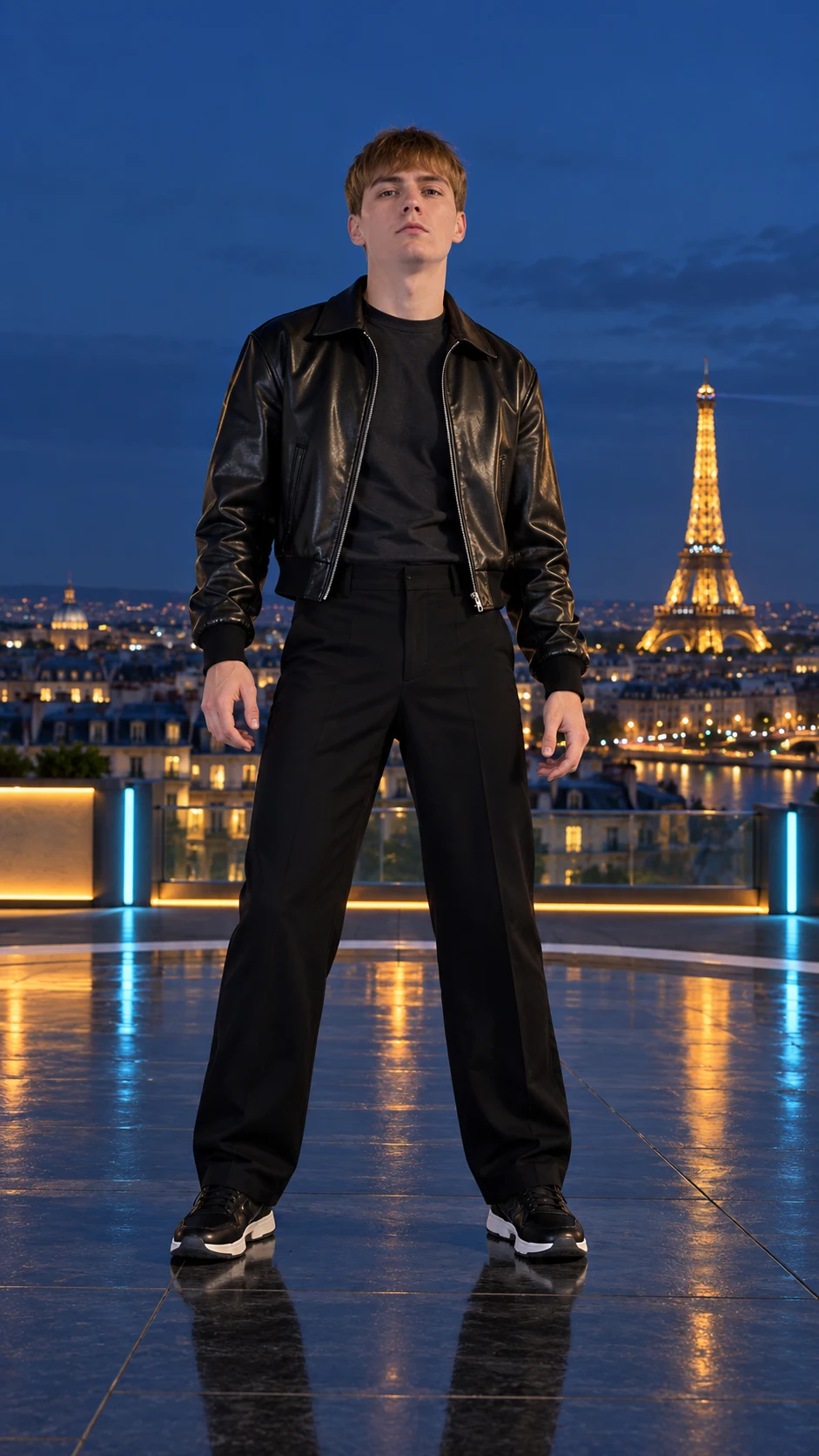
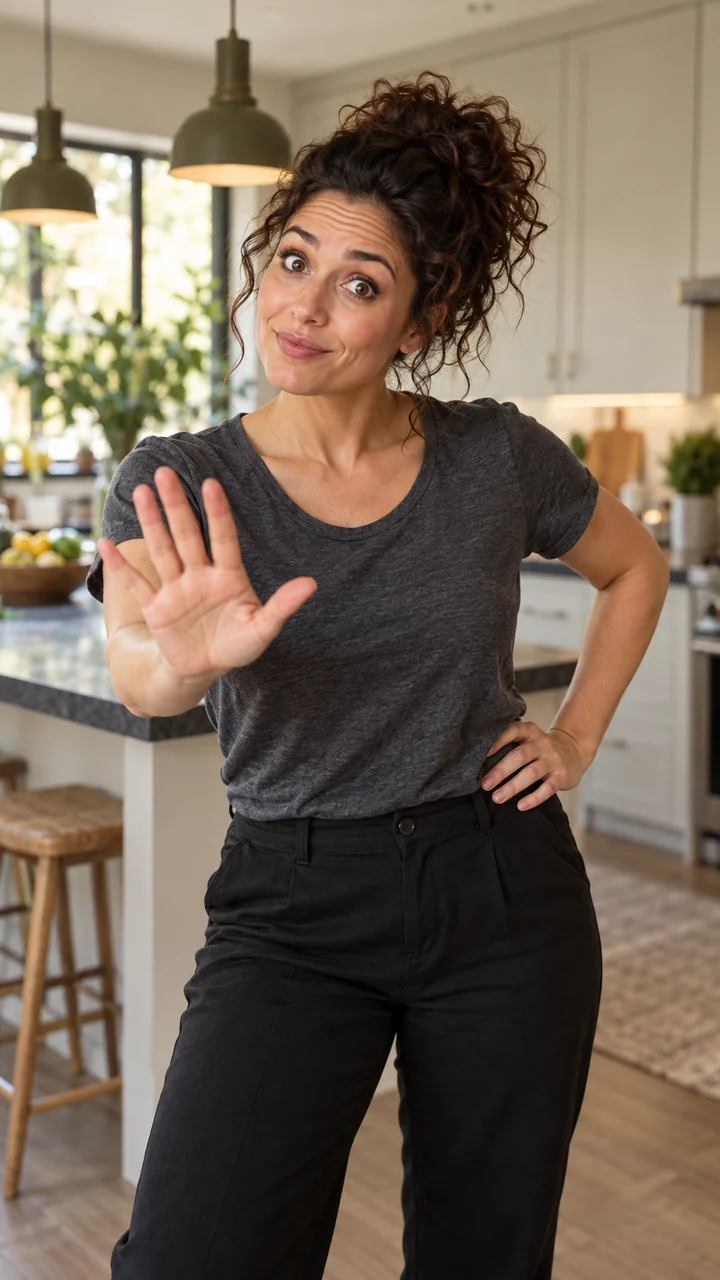
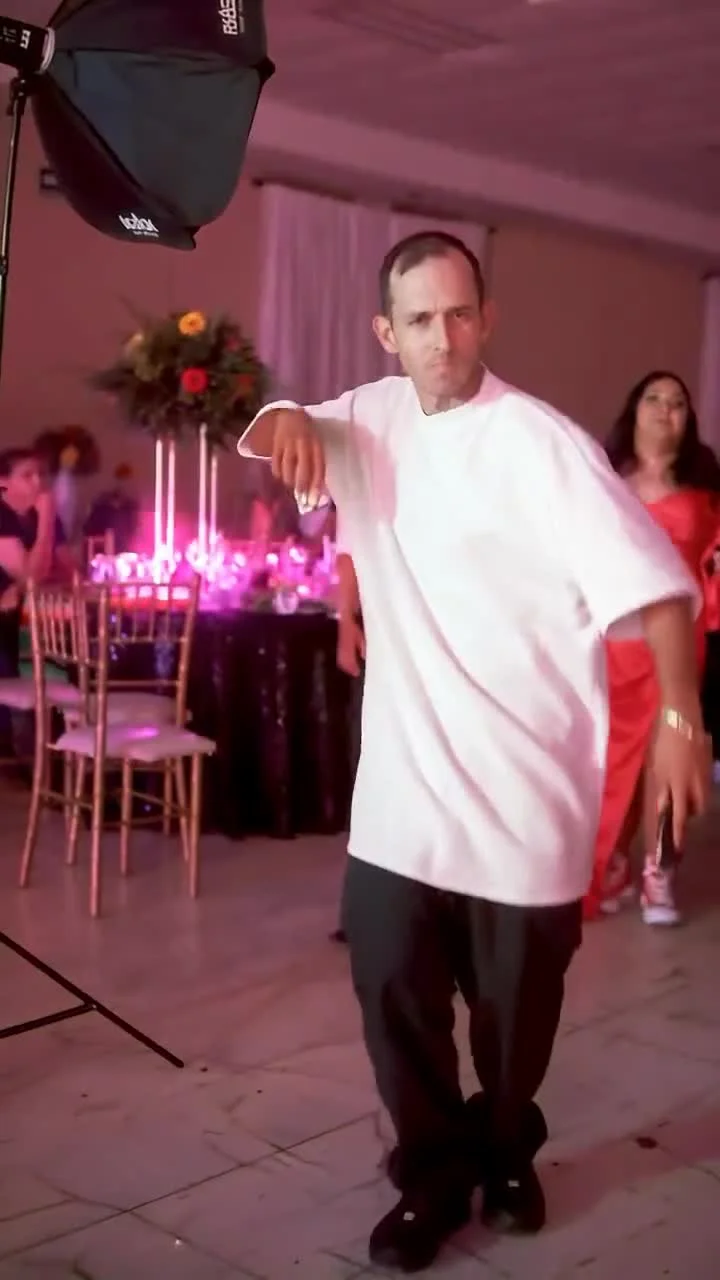
This template follows a two-character reaction skit performed by one person. The reference cuts between roles, building from an announcement to a shy smile and a surprised response.
The 15-second preview shows the same performer switching between characters. Your photo guides both roles throughout the scene, from the announcement to the reaction. Face consistency can vary across the cuts.
BEHIND THE TREND
The Prettiest Girl Award format turns a compliment into a tiny two-role comedy. An announcement sets up a question, a look toward the camera supplies the answer, and the other character reacts. Costume and expression help one performer carry both sides of the exchange.
This Prettiest Girl Award meme template focuses on that exchange: the confident announcement, the shy smile and the surprised response. Preview the expressions and character cuts to see whether this reaction scene fits the moment you want to make.
BEFORE YOU CREATE
One photo guides both roles across a 15-second vertical reference, with output capped at 720p. Identity can drift across cuts; hands, mouth shapes, clothing and hair may vary. The reference is not a guarantee of identical audio or a perfect face match.
The preview shows the reference scene. Use it to choose your template, then review your generated clip before sharing.
15 seconds · 720p · One photo
FROM PHOTO TO CLIP
Use a clear, front-facing adult portrait with the entire face visible. Avoid glasses, hair across the face and heavy filters. Close-up expressions and the hand-near-mouth reaction make facial detail especially important.
Prettiest Girl Award is already selected. Confirm you have permission to use the photo, then follow the checkout steps. Generation begins after payment is verified and can take several minutes.
Copy your private lookup code to return later. Download the completed clip promptly: the provider’s result link lasts only 24 hours. Lookup codes themselves have no time limit.
GOOD TO KNOW
The reference performer plays both roles, and your photo guides their appearance throughout the clip. Face consistency can vary between cuts, so review both characters in the finished video.
Choose a sharp front-facing portrait of one consenting adult, with an unobstructed face and even light. The reference contains close-up smiles and a surprised reaction.
The preview is a 15-second vertical scene with character cuts and expressive close-ups. Output is capped at 720p.
You can hear the reference audio using the Sound switch. We do not guarantee identical audio in every generated result; check the completed clip before sharing.
No. MakeViralClip is an independent AI adaptation tool and is not affiliated with or endorsed by the original creators or performers.
If generation is confirmed to have failed, the website automatically requests a full refund. An unclear task status needs to be checked before paying again.
KEEP EXPLORING